A workspace does not need a complete makeover to feel better. In just ten minutes, you can clear distractions, improve your setup, and create a more inviting place to work. This quick reset is useful at the start of the day, between tasks, or before you finish work.
The goal is not perfection. It is to make a few small improvements that help your space feel cleaner, calmer, and easier to use.
Set a Ten-Minute Timer
Before you begin, set a timer for ten minutes. A time limit keeps the refresh focused and prevents you from getting distracted by larger cleaning or organizing projects.
You can use a phone timer, a kitchen timer, or a clock that is easy to see. Once the timer starts, move through the steps quickly. If you do not finish everything, stop when the time is up and continue another day if needed.
A short reset works best when it feels simple enough to repeat.
Minute One: Remove Obvious Trash
Start with the easiest task: collect anything that belongs in the trash or recycling.
Look for:
– Empty cups and bottles
– Food wrappers
– Old notes
– Used tissues
– Unwanted packaging
– Receipts or papers you no longer need
Keep a small trash bin near your workspace if possible. This makes it easier to remove waste throughout the day instead of allowing it to build up.
Avoid sorting every piece of paper during this step. If you are unsure whether something should be kept, place it in a temporary “decide later” pile. The goal is to remove obvious clutter, not make every organizational decision at once.
Minutes Two and Three: Clear the Main Surface
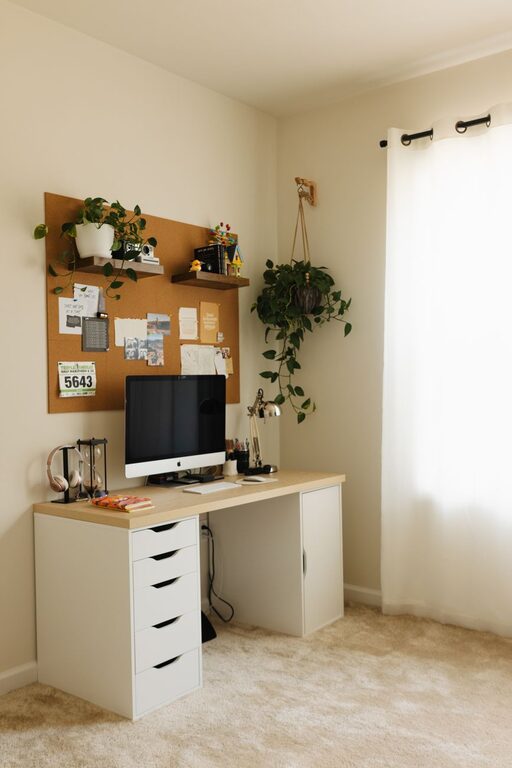
Next, focus on the surface where you do most of your work. This may be a desk, table, counter, or small corner of a room.
Remove anything that does not belong there. Place items in one of three groups:
- **Keep here:** Items you use regularly at your workspace.
- **Move elsewhere:** Items that belong in another room or storage area.
- **Decide later:** Items that need more thought.
Return only the first group to the surface. Keep frequently used items within easy reach, and move less important items to a drawer, shelf, or nearby container.
Try to leave a clear area in front of you. An open work surface makes it easier to spread out papers, use a notebook, or position your keyboard comfortably.
Minute Four: Organize Cables and Small Items
Loose cables, chargers, pens, and small accessories can make a workspace look crowded quickly. You do not need a complicated cable management system to make a noticeable difference.
Gather cables and place them so they follow the edge of the desk or workspace. If you have reusable ties, clips, or bands, use them to keep cords together. Labeling chargers can also help if several cables look alike.
For small items, use a cup, tray, or shallow container. Keep only the items you use often in this area. Extra supplies can go in a drawer or box.
A simple rule is helpful: give every frequently used item a clear home. When you finish using it, return it to that spot.
Minutes Five and Six: Wipe High-Use Areas
Use a suitable cloth or cleaning wipe to clean the areas you touch most often. Focus on the surface rather than trying to clean the entire room.
Prioritize:
– Desk or table surface
– Keyboard and mouse
– Phone
– Chair arms
– Drawer handles
– Frequently used switches
Follow the care instructions for your equipment and surfaces. Avoid applying liquid directly to electronics. Instead, use a lightly damp cloth when appropriate, and make sure devices are turned off or disconnected before cleaning them.
This quick step can make the workspace feel noticeably fresher without requiring a full cleaning session.
Minutes Seven and Eight: Improve Your Setup
Now take a moment to make your workspace more comfortable. Small adjustments can improve how easily you use the area.
Check the position of your:
– Chair
– Monitor or laptop
– Keyboard and mouse
– Notebook
– Lamp
– Water bottle
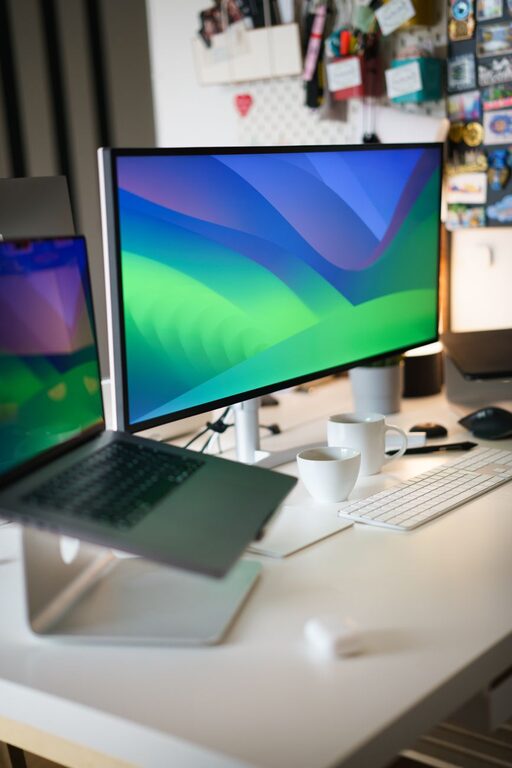
Place the screen where you can view it comfortably without constantly turning your head. Keep your keyboard and mouse close enough that you do not need to reach far. Adjust your chair so your feet feel supported and your work surface is easy to use.
If your workspace feels dark, turn on a lamp or move closer to a source of natural light. If glare is a problem, adjust the screen or light source rather than adding more items to the desk.
The best setup is one that supports the way you actually work.
Minute Nine: Choose the Next Task
A clean workspace is more useful when you know what you will do next. Spend one minute choosing a single starting task.
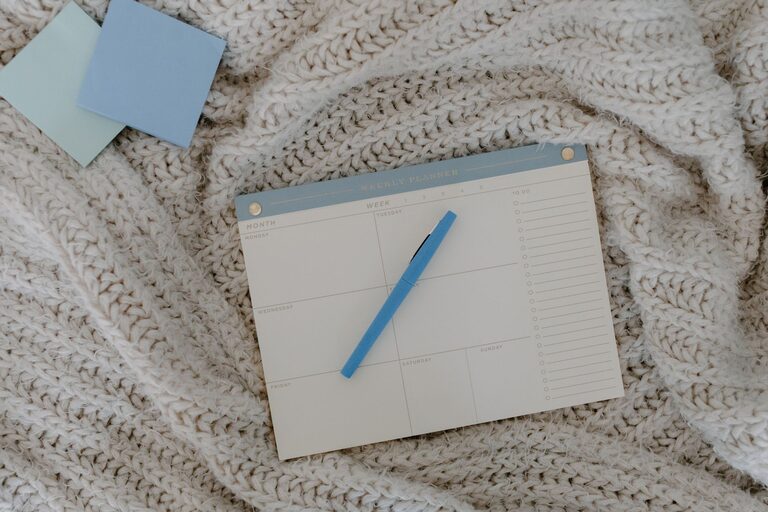
Write it on a sticky note, index card, or digital list. Make the task specific and easy to understand. For example:
– Review the first three pages
– Reply to the two most important messages
– Outline the opening section
– Sort the documents in the top folder
– Make a list of supplies to order
Avoid writing a broad goal such as “be productive.” A clear next step makes it easier to begin after the reset.
Place the note where you can see it, but avoid covering the main area of your workspace.
Minute Ten: Add One Helpful Detail
Use the final minute to add one item that makes the workspace more pleasant or practical. This could be a glass of water, a notebook, a small plant, or a favorite pen.
Choose only one detail. Adding too many decorative items can recreate the clutter you just removed.
You can also use this minute to adjust the room slightly. Open a window if appropriate, change the lighting, or move your chair into a better position. A small change can signal that you are ready to begin a new task.
Keep the Refresh Easy to Repeat
The most effective workspace routine is one you can maintain. After the ten-minute reset, use a few simple habits to prevent clutter from returning.
Try these daily practices:
– Return items to their assigned places.
– Keep a small trash bin nearby.
– Avoid storing unnecessary items on the main surface.
– Use one tray for papers that need attention.
– Put away cups and dishes when you finish.
– End the day by clearing the area for tomorrow.
You may also create a shorter two-minute version for busy days. Throw away trash, return misplaced items, and prepare the next task. This keeps the workspace manageable between longer refreshes.
A Fresh Start Without a Big Project
Refreshing your workspace does not require new furniture, expensive organizers, or a free afternoon. Ten focused minutes can be enough to remove distractions, improve comfort, and make your next task easier to begin.
Start with what is visible, keep the process simple, and stop when the timer ends. With regular small resets, your workspace can stay useful, comfortable, and ready for whatever comes next.
About the Author